
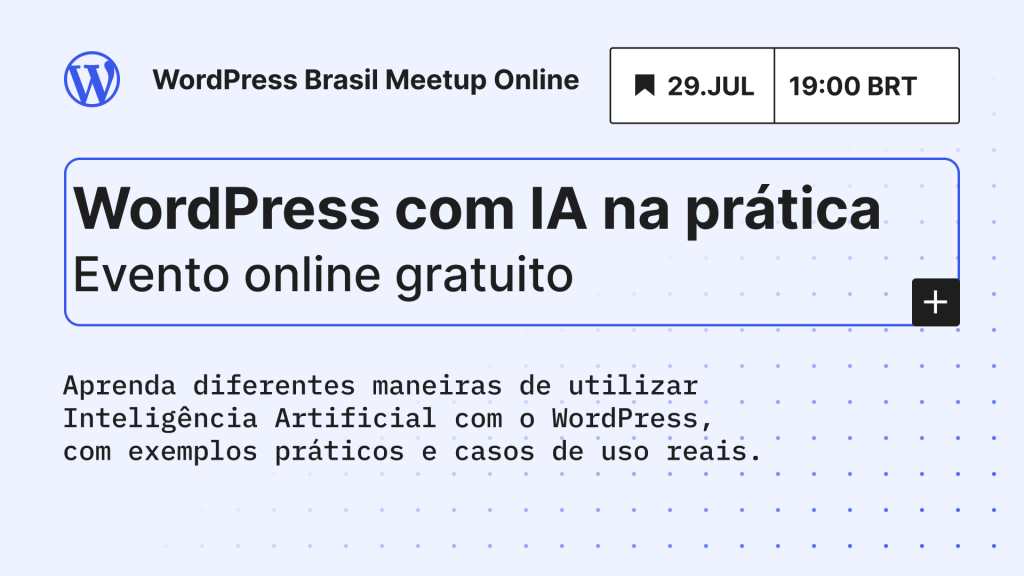
On 29 July 2026 I organized the third WordPress Brasil Meetup Online about Hands-On WordPress AI, which was focused on bringing together people from the Brazilian community to share examples on how they use WordPress and AI in their day to day.
There was an average of 21 people on the call and a lot of them joined the conversation during the 2-hour event. Since it was not recorded, because I wanted to make everyone feel more comfortable to speak, I’m writing this post to summarize some of the things shared to be used as a reference for everyone who was there and for the people who couldn’t join. I’ve organized them into topics to make it easier to read.
Use cases shared of using AI with WordPress
Here are some of the use cases that the participant talked about, I added a link when they shared it or when it was publicly available:
- Skill to create pages in Elementor following a design system
- Skill to create a news aggregator
- Block to display a 3D phone mockup with the latest post from a category, for the PainelWP homepage using Telex
- WPBrasil Eventos Agent: list the current events from the brazilian WordPress community in a specific format
- Uses Gemini, ChatGPT and Claude simultaneously for code review and created a panel to review the results
- Uses Gemini for content translation and refinement
- Uses MCP with WordPress to publish and translate posts with Claude Code
- Additional tip: save your credential inside a
.mcp.jsonfile, and have different folders for different sites or production/staging each one with their own credential. This makes it easy to isolate each site.
- Additional tip: save your credential inside a
- Uses Claude Google Chrome extension to have Claude manage WordPress sites and to do things like create posts or fix SEO
- Uses Novamira to manage and develop sites
- Accessibility checks
How to use AI inside WordPress
- Connectors screen: you need to purchase API credits separately from your monthly subscription
- AI plugin is the official community plugin that brings AI-powered features directly into WordPress admin and editing experience. It uses the Connectors from the item above.
- List of the changes from the last update (v.1.2.0) is a great way to learn more about what the plugin can do
Tutorials on how to develop AI solutions with WordPress
- Connect AI coding agents to WordPress Playground with MCP
- Blog posts from Marcel Schmitz
- Fellyph Cintra YouTube channel that has some videos about creating WordPress sites with AI and WordPress Playground
- WordPress AI integration: A deep dive into architecture and a real-world use case
- WordPress Developer Blog: one of the best references to learn how to develop using the latest updates
Tools
Editors
AI coding tools
- Studio Code: a WordPress specific AI tool
- Telex: to create WordPress blocks and themes without a local development environment
- Claude Code
- Claude Code status line config to show some useful information that one participant uses
Running WordPress locally
Other tools
- Block Runner: A CLI to turn generated HTML into valid WordPress blocks and to validate block code written by AI.
- WordPress Playground: for tests using a WordPress that runs in your browser
- agent-browser: Browser created and optimized for AI agents
Other links
- Pushing a local site to a production site
- Use a backup plugin like All-in-One WP Migration
- Pull WordPress from Prod to Local with WP-CLI Bash Script
- PainelWP: weekly newsletter about WordPress in Portuguese
- Join the WordPress Brazilian chat in Slack
Thanks Amanda Cardoso, Claudio Sanches and Elton Aquino for accepting my invite to share your experience during the event.
The next event about the WordPress 7.1 release is already scheduled for August 19. See you there!

Leave a Reply