
Today I fixed my Logitech MX Master 3 left-click malfunctioning issue and wanted to share a quick tip on how to do it. My mouse was constantly “unselecting” text while I was trying to highlight it, making it feel like the button was loose or losing contact.
I followed the steps from this video, which shows exactly how to open the mouse (you need both a Phillips and a Star-shaped/Torx screwdriver just to get the mouse open):
To fix the left-click malfunctioning issue, put a single drop of WD-40 on one end of a cotton swab and use it to apply the drop directly to the mouse buttons (as shown in the image below). Click the buttons a few times with the cotton swab, so the liquid works its way into the mechanism, then use the dry side of the swab to clean up any excess. Just to be safe, I did the same for the right-click too. Thanks ArpadSzucs for adding a comment in the video with this tip!

I put the mouse together and did a quick test on my computer before putting the screws back in to make sure it was working, then reassembled everything and put the stickers back on.
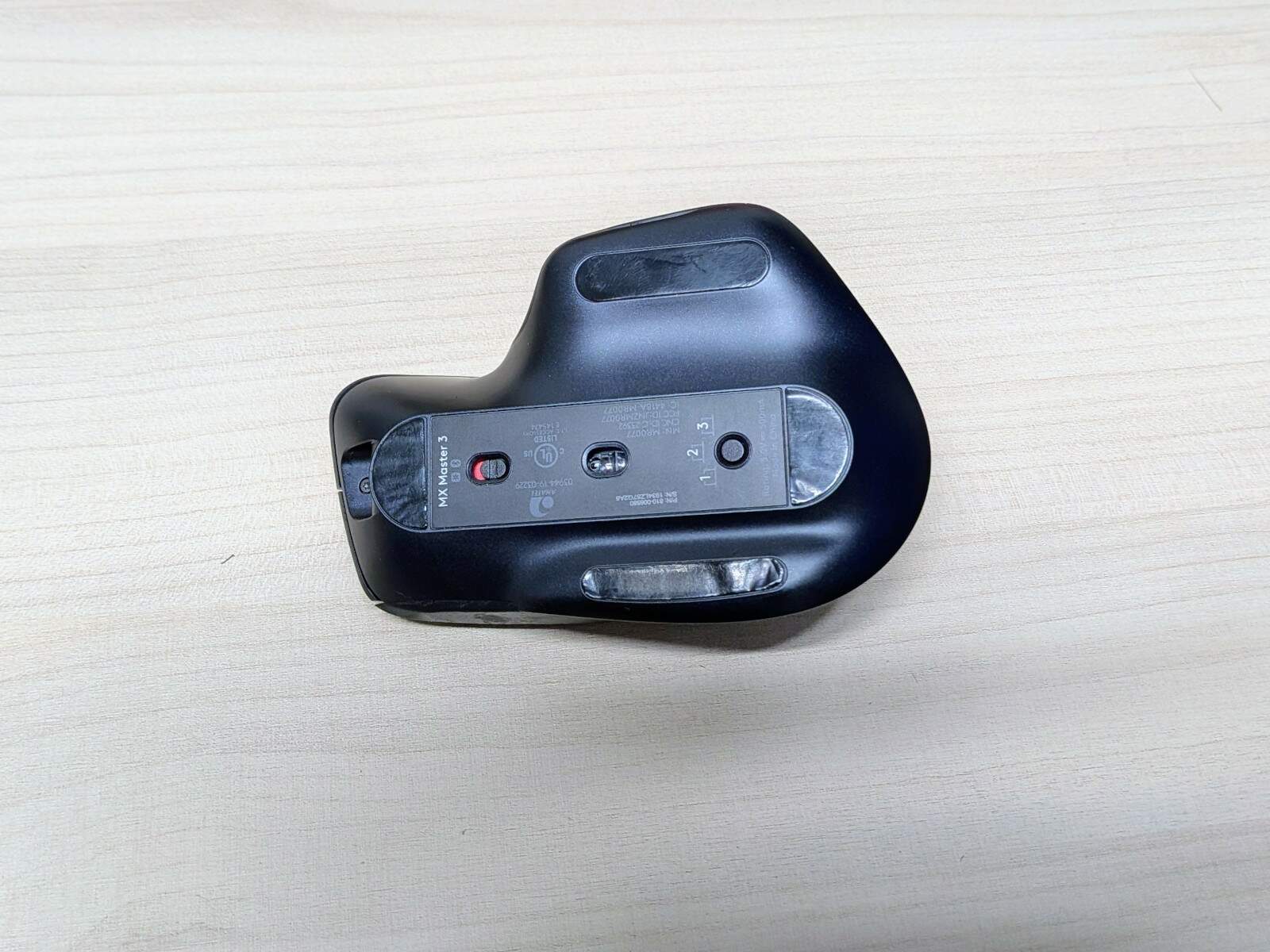
If you are careful when peeling off the black sliding pads to get to the screws, you can actually reuse them. Just peel them slowly, and they will stick right back on once you are finished. They might not look brand new anymore, but it is better to have a slightly warped sliding pad than none at all.
I hope this has helped you!

Leave a Reply