
Last Tuesday (Sep. 1) I attended the WordPress Meetup Curitiba #87 and gave a talk about what’s new in WordPress 7.1. This is similar to something I did at WordPress Brasil Meetup Online #4, but this time I was the only one presenting. As part of my preparation, and to document what was talked about in the online meetup, I added to the event’s post a list of the main items that were released in WordPress 7.1, with links to more details, which took a lot longer to put together, but I’m very happy with the result. I was largely inspired by the Source of Truth that Gutenberg Times does, creating labels for each type of user that might be interested in each item.
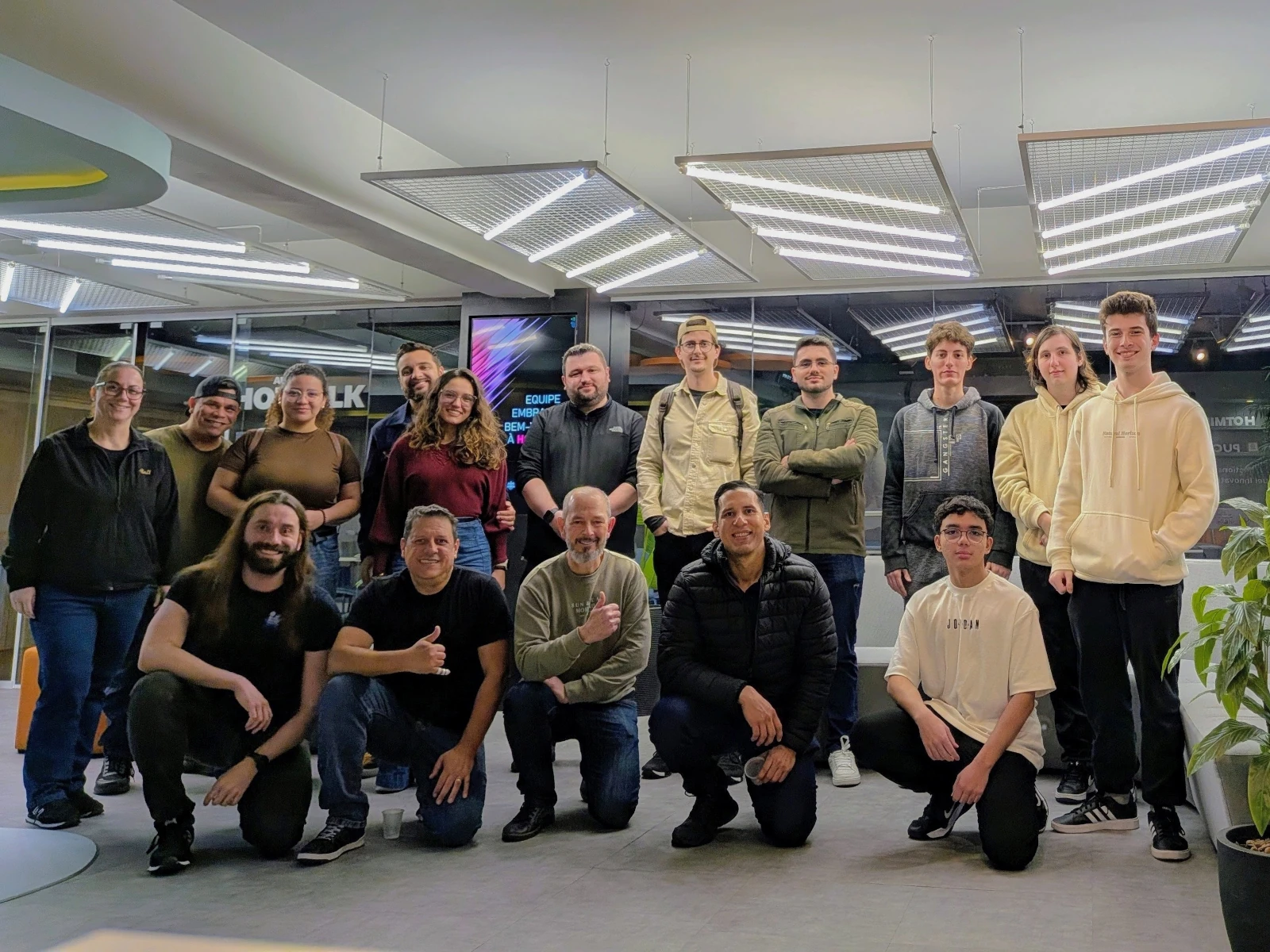
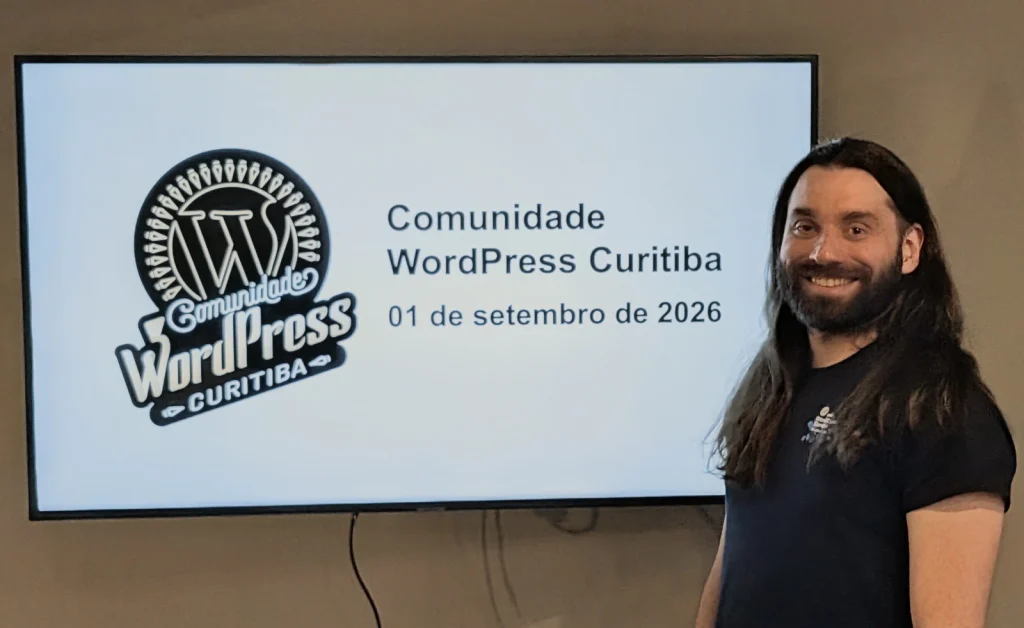
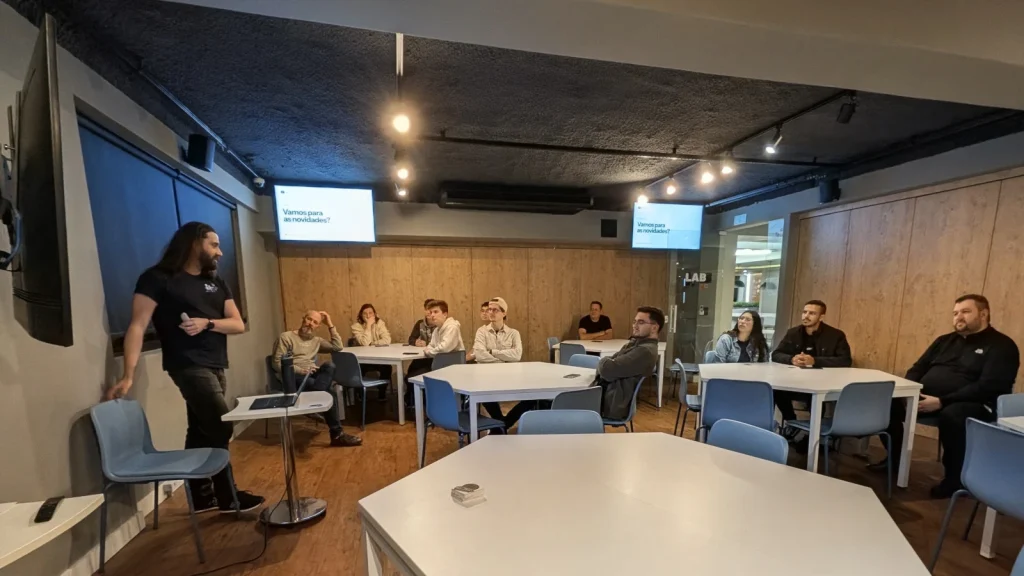
The event took place at HOTMILK at the PUC university, which had a great setup, including multiple monitors in the room where the meetup was, which was awesome. I created three slides, just to have something to show at the beginning and end of the talk.
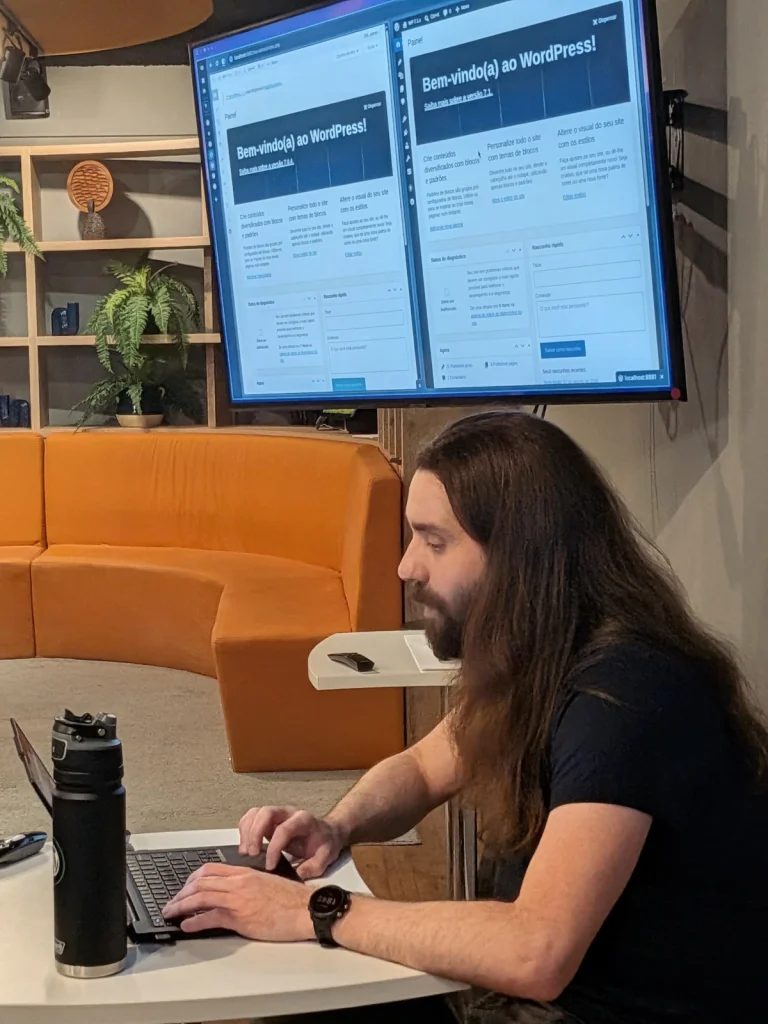
This time I did something that I hardly ever do in talks: a live demo of everything that I wanted to show. I prefer to either add screenshots or videos to the presentation, to make sure that nothing can go wrong, but since this was a more informal event, I decided to take the risk. And everything worked! I used the online meetup post as my guide (but skipped or changed the order of some items based on my read of what the audience wanted to know) and was open to questions at any time, and a lot of people participated by asking questions, which was great.
For the setup, I created two sites in WordPress Studio, one with the latest 7.0 version and the other with 7.1, and used Chrome’s split view feature to show both versions (along with another tab that only had 7.1 in case I wanted to show a feature in more detail, because having this split view left a lot less space to show things). To easily tell them apart, I named the websites with the release number and changed the 7.0 admin theme to use a gray color, which made it easy to spot at a glance.
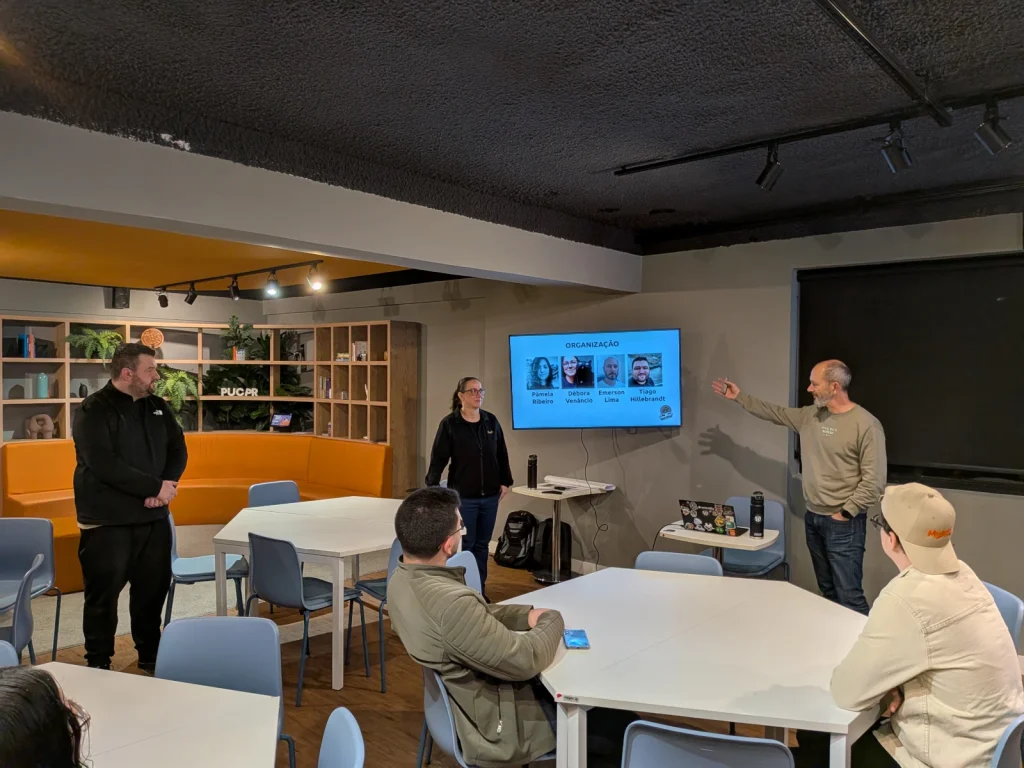
Here are some additional links that I mentioned during my talk:
- WordPress Playground: Run WordPress in your browser without needing to install anything
- WordPress Studio: Easiest way to run WordPress on your computer, including using their Beta feature to create or change a website, plugin or theme with an AI chat (like having a Claude Code that’s an expert in WP).
- FakerPress plugin: Create demo content, users, images, and so on in a WordPress site in a couple of seconds. Great when you need some dummy content when doing a presentation to show some features that require content. This was useful to show the exclude current post feature in the query loop block, where having some previous posts helped to showcase it.
- Block Runner: CLI to convert HTML to blocks or to validate block code. Great to use with AI generated code.
- PainelWP: My weekly newsletter about WordPress.
- Free WordPress[dot]com hosting for education: we had some students from PUC there and they got excited about building their own site.
After the talk was over, we had a delicious coffee break, and one of the sweets was condensed milk cream puffs (carolinas de leite condensado), which I ate for the first time and loved. I also talked with the attendees, which for me is the best thing about these events: being able to exchange ideas in person.
Thanks Pamela Ribeiro, Emerson Lima, Tiago Hillebrandt and Débora Venâncio for inviting me to speak at the event! See you all in the next one 👋.

Leave a Reply